
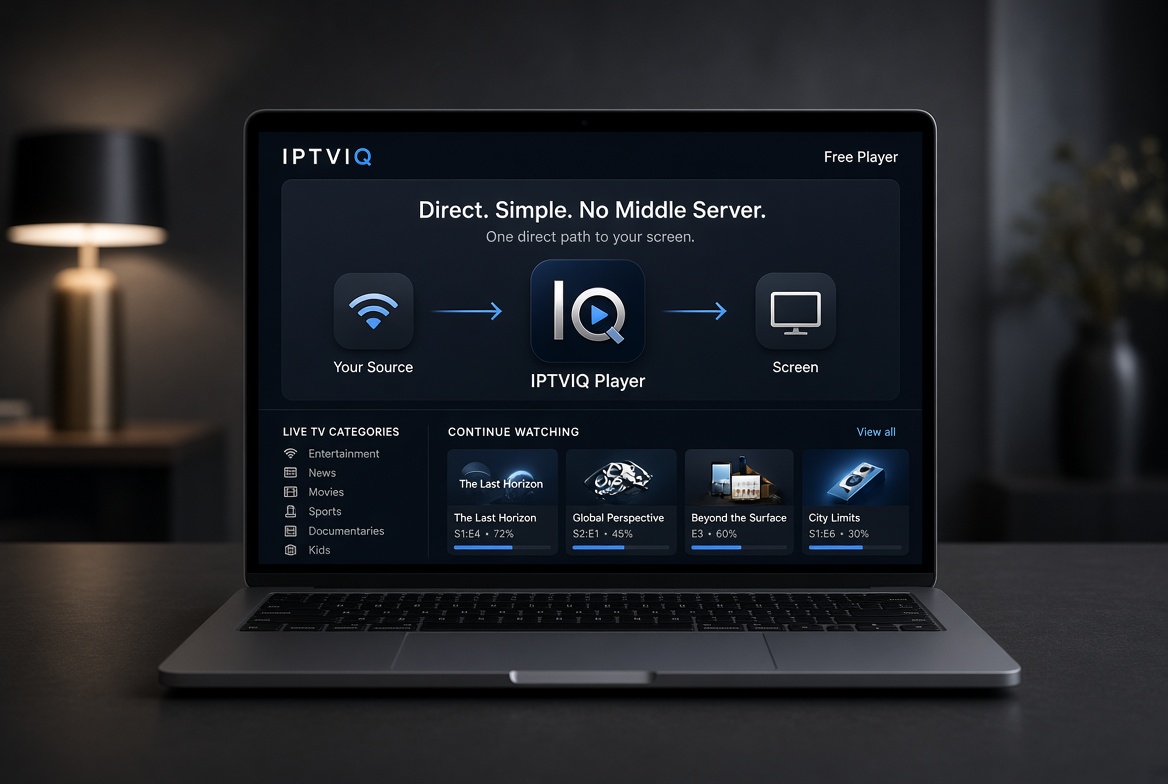
The phrase “best free IPTV player for Mac” attracts two different kinds of searchers. Some want an app that opens the sources they already have. Others hope the player itself will include channels. Those two expectations lead to very different results.
IPTVIQ belongs firmly in the first category. It is a native macOS application listed on the Mac App Store. It organizes and plays IPTV sources you already use. It does not include, sell, or recommend any channels, movies, or series. The free listing means there is no charge for the player itself in the basic form currently available; it does not mean the app supplies content.
What “Free” Actually Covers
A free player means you do not pay the app developer for the software. It does not mean the streams are free. You still need an authorized source—Xtream Codes account, M3U playlist, XMLTV guide, or Stalker portal. Without that source the app has nothing to play. This is the same limitation any video player has without a video file.

IPTVIQ is explicit about this boundary. The playback path stays direct from your provider to your Mac. The app does not sit in the middle as a streaming service and does not host content on its own servers.
Supported Sources
The player accepts the formats most people already maintain:
- Xtream Codes panel accounts
- Remote or local M3U / M3U8 playlists
- XMLTV guide files
- Stalker / MAG / Ministra portals
Multiple sources can be added and switched. Each can use its own proxy setting (Direct, HTTP, HTTPS, or SOCKS5) for connection and media traffic. These features work with the sources you bring; they are not tied to any content package sold by the app.
Organization Instead of a Flat List
Basic free players often open an M3U as a long list of URLs. Categories are weak. Movies and series mix with live channels. There is little memory of progress.
IPTVIQ parses the data from your sources and presents Live TV, Movies, and Series as separate sections. Search works across the imported catalog. Continue Watching remembers where you left off. Favorites and history stay per profile. The result is closer to a media library than a raw playlist viewer.
Guide and Live TV Behavior
Channel browsing includes categories, numeric entry, and Recall for the last channel. A mini-EPG overlay appears during playback. Now and Next information is shown where the source provides it. Completeness depends on the EPG your provider sends; the app does not invent missing guide data.
Catch-up and Local Recording
Where a provider supports it, you can start a recent program from the beginning or step back through recent broadcasts. This remains source-dependent. Manual DVR lets you record a live stream you are authorized to watch and save the file to a folder you choose on your Mac. It is personal time-shifting only. Scheduled recording from the guide is planned and not available yet.
Multiview and Connection Handling
Two streams can play side by side. Smart Recovery detects real playback stalls from brief connection drops and reconnects automatically. It is deterministic logic, not an AI feature, and it cannot recover a source that is genuinely unreachable.
Profiles on a Shared Mac
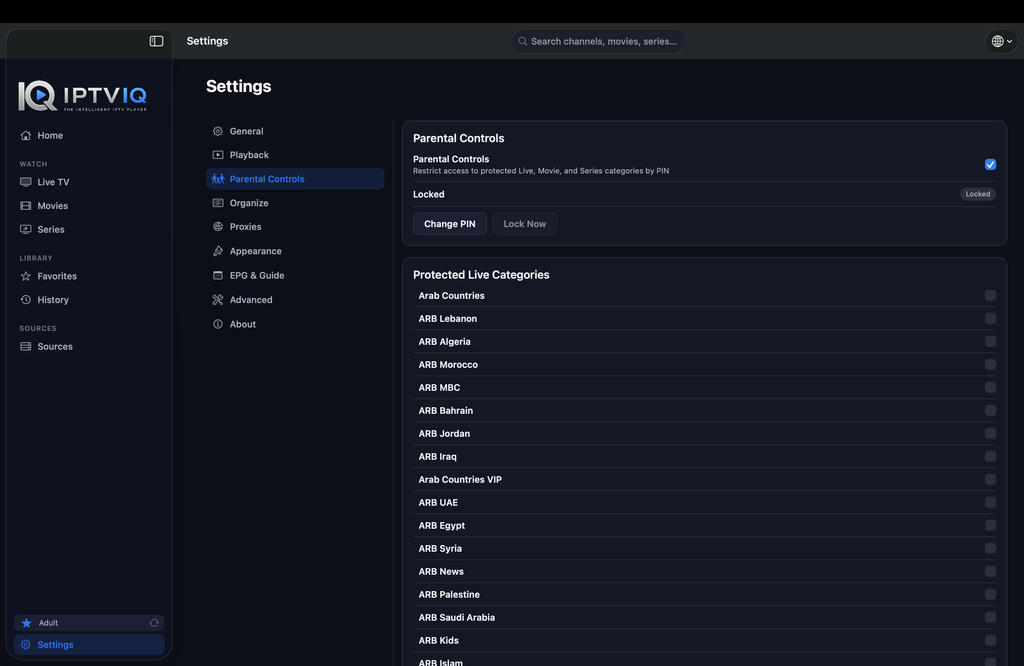
Separate profiles keep history and favorites private. Kids profiles enforce approved-content rules across Home, Search, Guide, and playback. These household controls work with whatever sources you add; they are not limited to a single playlist.
Current Platforms
The public app today is for macOS 14 and later (Universal binary for Apple Silicon and Intel). Apple TV is in testing. iOS, iPadOS, Windows, Android, and Android TV are planned. Cloud Sync of user state (favorites, resume positions, profiles, and Kids rules) is part of the longer roadmap. It would sync settings and library state only; video continues to come directly from your provider.
Comparison of Free Approaches
| Aspect | Typical Free Playlist Player | IPTVIQ Today | Longer Direction |
|---|---|---|---|
| Sells or includes channels | Sometimes implied | No | No |
| Organized Live + Movies + Series | Rare | Yes | Yes |
| Continue Watching | Rare | Yes | Yes |
| Multiple source types | Often limited | Yes | Yes |
| Profiles + Kids rules | Rare | Yes | Yes |
| Manual local DVR | Sometimes | Yes | Yes |
| Multiview | Rare | Yes | Yes |
| Other platforms | Mixed | macOS only | Planned |
Who Finds the Free Player Useful
This approach suits people who already have a source they trust and who want a clean native Mac interface without paying for an additional content package. It is less useful if the goal is to obtain channels through the player itself.
Setup Steps
- Download IPTVIQ from the Mac App Store.
- Add the Xtream, M3U, XMLTV, or Stalker source you already use.
- Create profiles if more than one person watches.
- Browse the organized library.
Disclaimer
IPTVIQ does not host, sell, or supply any content. Use only sources you are authorized to access. Recording is for personal time-shifting. Guide accuracy and catch-up availability depend entirely on the provider.
When people look for the best free IPTV player for Mac, the useful distinction is between an app that organizes existing sources and an app that tries to act as a service. IPTVIQ stays in the first category. Your source remains yours; the player simply makes watching it cleaner and more consistent on a Mac.